StoaHub Ballot Push #6 - Reports
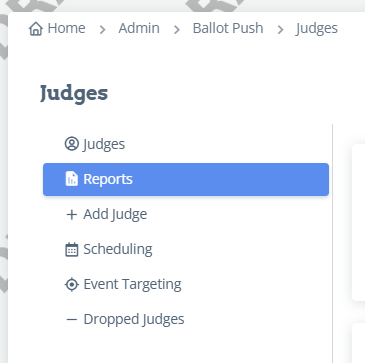
Under Admin-Ballot Push-Judges-Reports:
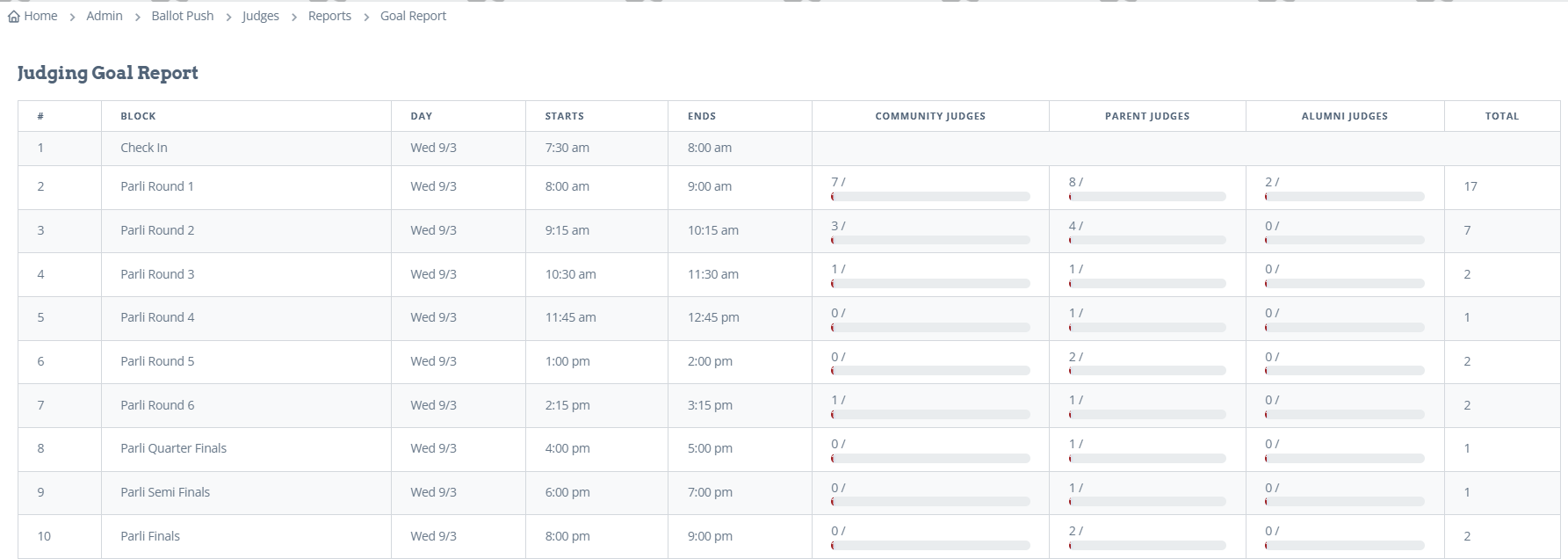
Judging Goals: This report shows a breakdown of how many judges of each judge type have taken ballots per round.
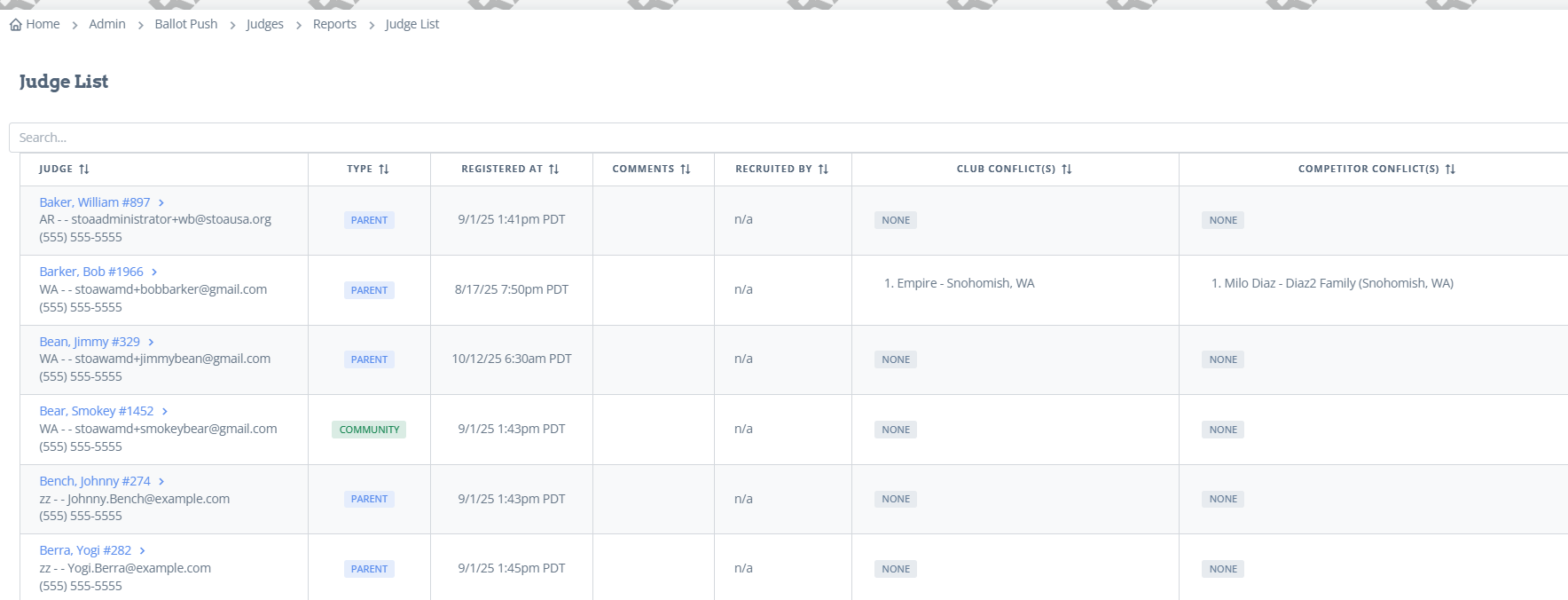
Judge List: This report shows a list of all the judges with their comments they filled out when registering, who recruited them, and lists their club and individual conflicts.
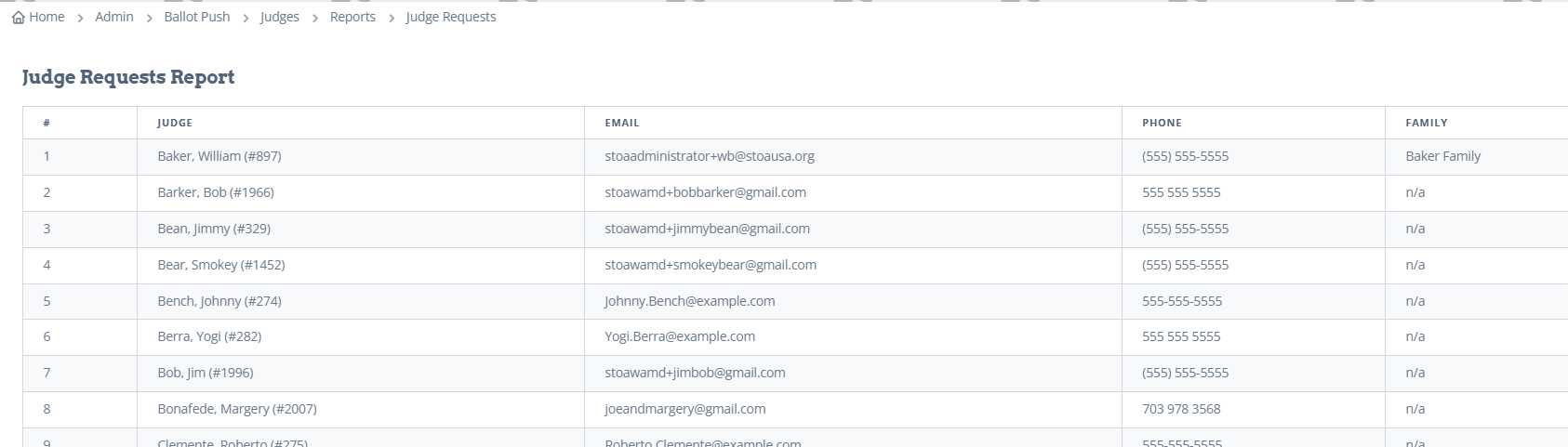
Judge Requests: This report show the answer to judge questions if you had that as an option.
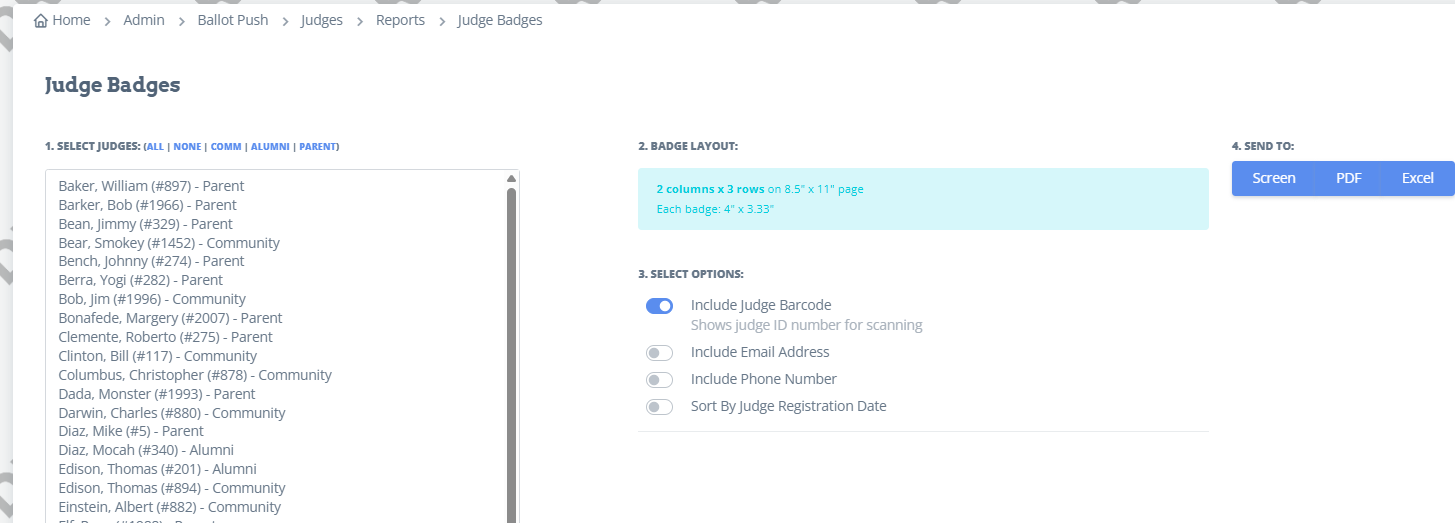
Judge Badges: This report is where you go to print the judge badges before the tournament. You can sort by judge type and by registration date. You can also choose all or select judges to print. To select random judges, hold down the control button and click the specific judges you want.
Judge Signups: This report is where you can print a list of the judges that signed up in each round. You can filter it by specific rounds and judge type. The file will export a complete list of judges, and then a separate tab for the specific day you chose.

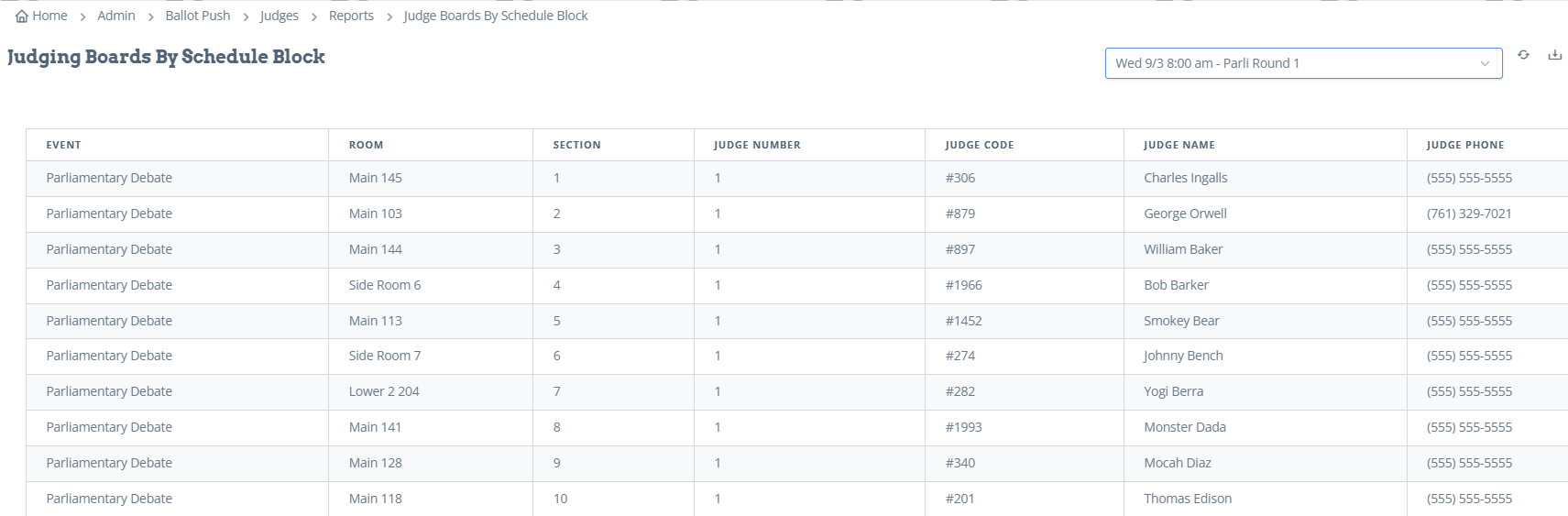
Judge Boards: This report shows data for judges that took ballots during the tournament. You can get this report by round, by judge, or by family.
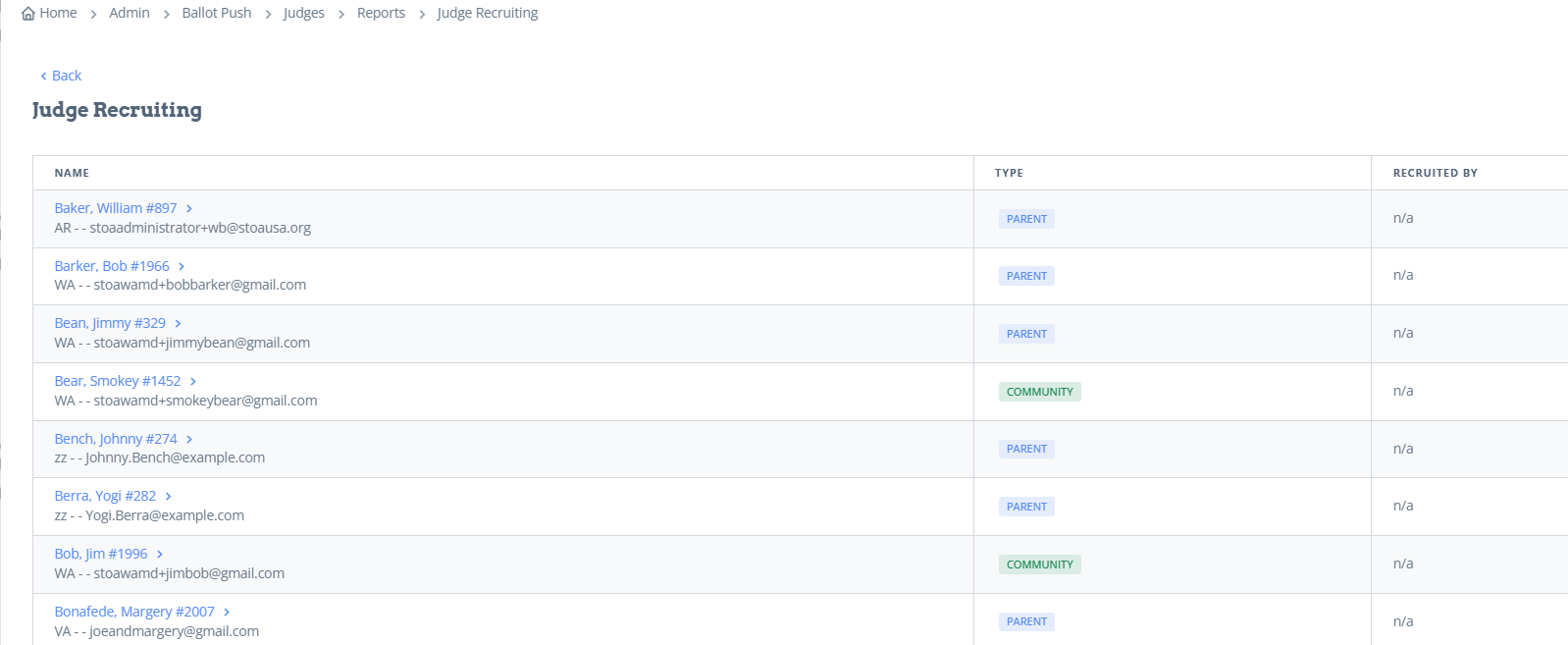
Judge Recruiting: This report shows all the judges and, if they were recruited by a family, which family.
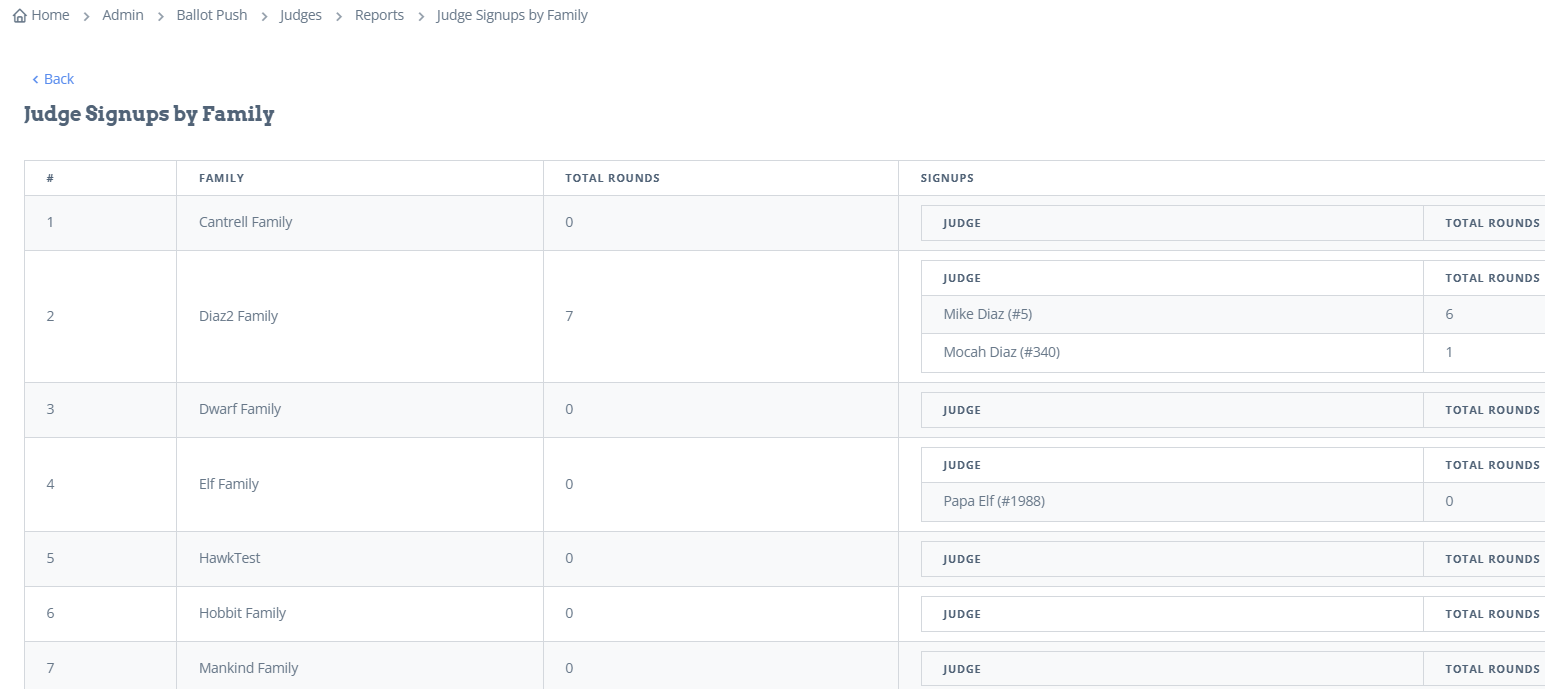
Judge Signups by Family: This report shows how many rounds were judged per family.
Under Admin-Ballot Push-Assign Judges-Reports
Judge Stats: This report shows how many judges have signed up, how many judges have been assigned a ballot, how many total debate ballots, and how many total speech ballots.

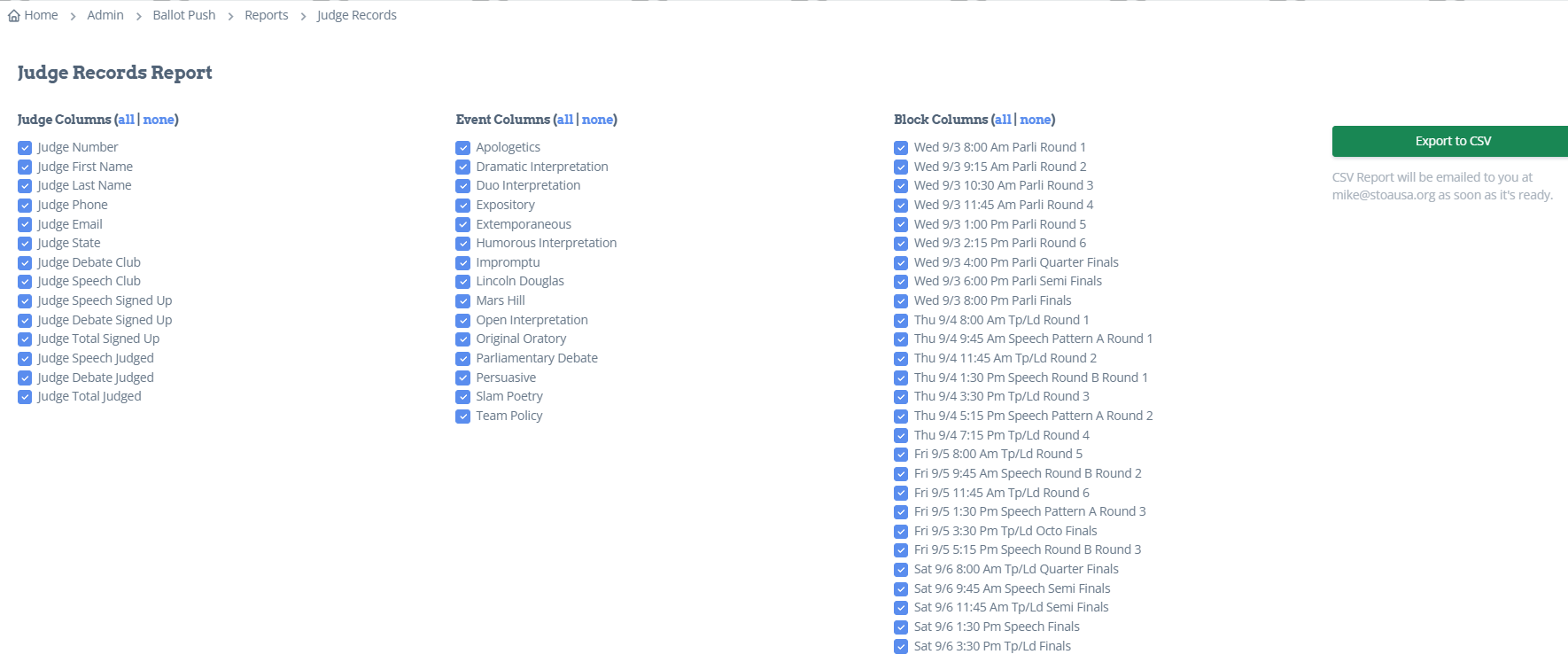
Judge Records: This report allows you to export a list of all judges and the events and rounds they judged.